Moving day always brings a knot in your stomach. Boxes everywhere, labels peeling off, and that one lamp that won’t fit through the door. Now imagine if your business’s entire tech setup—servers humming with data, networks tying everything together—joined the chaos. One wrong move, and you face hours of downtime, lost sales, and frustrated teams. An office relocation isn’t just a physical shift; it’s a high-wire act where glitches can cost thousands. In this guide, you’ll get a step-by-step path to relocate your systems smoothly, cut risks, and keep operations running strong.
Strategic Planning
Good planning turns a potential nightmare into a solid win. Start early, and you’ll spot issues before they blow up. This phase sets the tone for everything that follows in your business moving services plan.
Comprehensive Inventory and Dependency Mapping
Take stock of every asset first. List all hardware like servers and routers, plus software licenses and cables. Miss something, and your email system might crash on day one.
Map out how pieces connect. For example, does your CRM app rely on a specific database server? Draw charts to show these links. Tools like simple spreadsheets or free diagramming apps work fine. This step prevents surprises when you unplug gear.
In busy spots like New York City, where space is tight, accurate mapping helps coordinate with professional commercial movers. It ensures nothing gets left behind in the rush.
Defining Success Metrics and Establishing the Rollback Plan
Set clear goals upfront. Aim for less than an hour of downtime, or zero lost data packets. Track metrics like system uptime and response times.
Build a backup plan too. If the new setup fails, how do you switch back fast? Write it down: steps to restore old servers, notify staff, and test the reversal. Practice it in a dry run to build confidence. These measures keep you in control. Without them, a small hitch turns into a full stop during a complex office relocation.
Budgeting for the Unexpected
Costs add up quick in IT moves. Factor in fees for extra hands, like night-shift techs or temp cloud storage. Hidden hits include shipping delays or custom racks. Pad your budget by 20%. That covers surprises without derailing the project. Track expenses weekly to stay on course.
Execution Strategy
Now it’s time to act. Break the work into stages to limit fallout. This way, your core business keeps humming.
Testing the Waters
Start small with low-risk items. Move a test file server first. Check speeds, compatibility, and user access in the new spot. Gather feedback right away. Did files load slower? Fix it before tackling bigger systems. This trial run uncovers kinks without major pain.
Leveraging 'Lift and Shift' vs. Re-architecture
Go with “lift and shift” for speed. Just pack and relocate existing setups as-is. It’s quick but keeps old flaws alive. Or re-architect parts. Update outdated software during the move for better efficiency. Weigh time against gains—maybe modernize your email while shifting.
Coordinating with Physical Relocation Experts
Sync tech moves with physical ones. Time server shutdowns around when crews arrive. Delays here mean idle gear and extra costs.
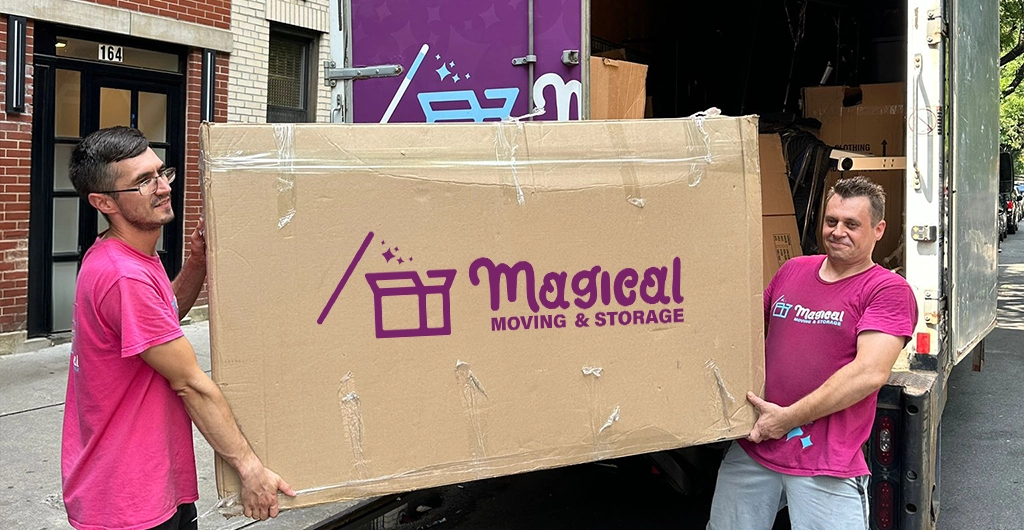
Pick movers who get IT. They handle delicate racks and avoid static shocks. In dense areas, office movers in NYC stand out—they know city traffic, building rules, and safe transport for cabling setups. Their know-how prevents damage to sensitive hardware. Team up early. Share timelines and special instructions, like climate-controlled trucks for drives, with your chosen commercial movers to ensure a seamless transition